
NCQA 2025 Credentialing Requirements: Smart Software Solutions
Are you ready for the NCQA 2025 credentialing requirements—and everything they’ll demand from your current process? Starting July 1, 2025, major changes will affect how healthcare organizations handle credentialing, from faster verification timelines to stricter data security and continuous monitoring.
As NCQA President Margaret E. O’Kane put it:
“The NCQA credentialing standards are a source of best practices for implementing and sustaining high-quality care across the delivery system…”
This underscores how the 2025 updates are not just procedural—but fundamental to delivering safe, regulated patient care.
If your system still relies on spreadsheets, manual checks, or outdated tools, these updates could overwhelm your team—or worse, put your contracts and revenue at risk.

In this blog post, you’ll discover exactly what’s changing, why it matters, and the smartest software solutions to stay compliant, efficient, and audit-ready.
Key Takeaways
- NCQA 2025 rules take effect July 1, 2025—no grace period.
- Manual credentialing won’t cut it—automated PSV and real-time monitoring are mandatory.
- Audit trails, exclusion screening, and system security are now non-negotiable.
- Choose NCQA-certified vendors to reduce risk and streamline compliance.
- Match your software to your practice size—one size doesn’t fit all.
- Start training staff early to avoid last-minute scrambling.
- Non-compliance can lead to claim denials, audits, and lost contracts.
Table of Contents
What Features Should Credentialing Software Include in 2025?

Choosing credentialing software isn’t about getting the flashiest tool. It’s about finding a platform that meets the NCQA 2025 credentialing requirements and works with your day-to-day operations. If you’re still mapping out your credentialing workflow, it helps to revisit the essential steps in the credentialing process before selecting a software tool.
At the top of your list should be automated primary source verification (PSV). This means the software checks licenses and board certifications directly from trusted sources, without manual effort. That’s key for meeting the 90-day rule.
Why Real-Time Exclusion Monitoring Is Critical
Real-time license and provider exclusion monitoring is essential for identifying disqualifying issues before they affect reimbursement or compliance. If one of your providers shows up on an exclusion list or has an expired license, your system should alert you—instantly.
And don’t forget secure, trackable data. NCQA expects a full audit trail of what was verified, by whom, and when. If your system can’t provide that quickly, it’s a liability.
Credentialing automation tools are essential for reducing manual tasks and staying compliant under the new rules. Here’s a simple breakdown:
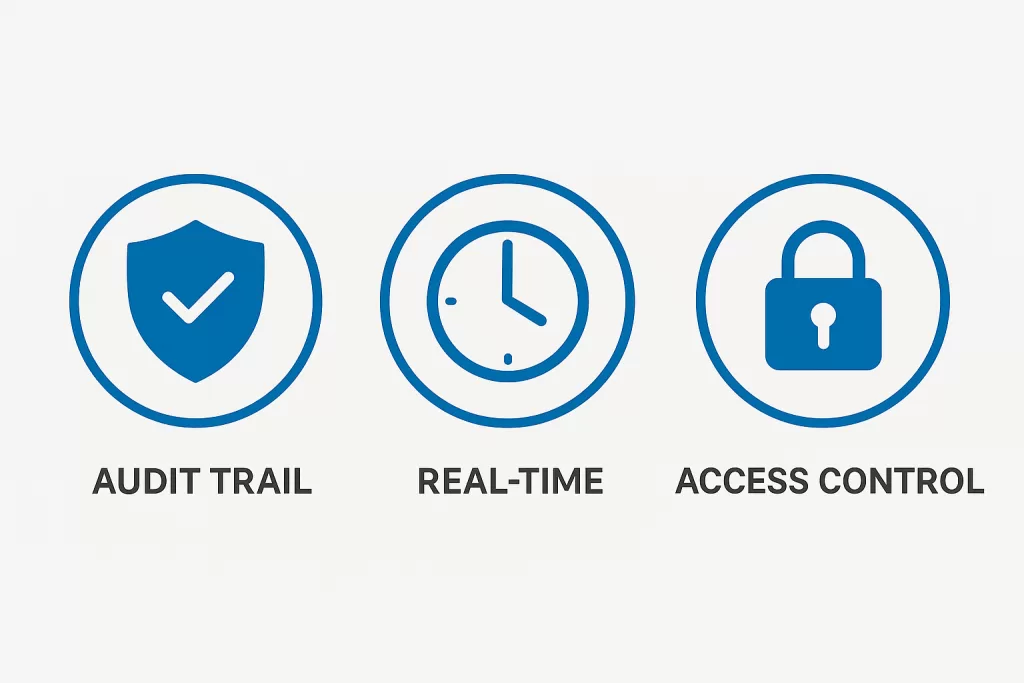
| Feature | Why It Matters |
|---|---|
| Automated PSV | Keeps you within the 90-day verification window |
| Real-Time Monitoring | Catches license expirations or exclusions immediately |
| Audit Trails | Lets you prove compliance during audits |
| Role-Based Access | Protects sensitive data with proper user permissions |
| System Integrations | Syncs with CAQH, EMRs, or payer portals |
| NCQA-Certified Vendor Option | Reduces compliance risk with pre-approved systems |
Why Choosing an NCQA-Certified Vendor Matters in 2025

If you’re shopping for software, one question should be at the top of your list:
Is this platform (or vendor) NCQA-certified?
An NCQA-certified CVO has already passed strict testing. That means their systems are built to handle the rules—no hacks or workarounds required. You won’t need to guess if they’re up to par.
Using NCQA certified vendors not only reduces compliance risk but streamlines your credentialing operations with pre-approved systems.
Also, cybersecurity is now a core focus. If your software doesn’t have two-factor authentication, encryption, and data logs, you’re vulnerable. NCQA has made it clear: practices need to protect sensitive data. The software you choose should reflect that.
These credentialing safeguards align with broader regulatory guidance from CMS on Quality, Safety & Oversight, which places increasing emphasis on timely verification, data protection, and provider eligibility.
Is Manual Credentialing Still Compliant Under NCQA 2025?
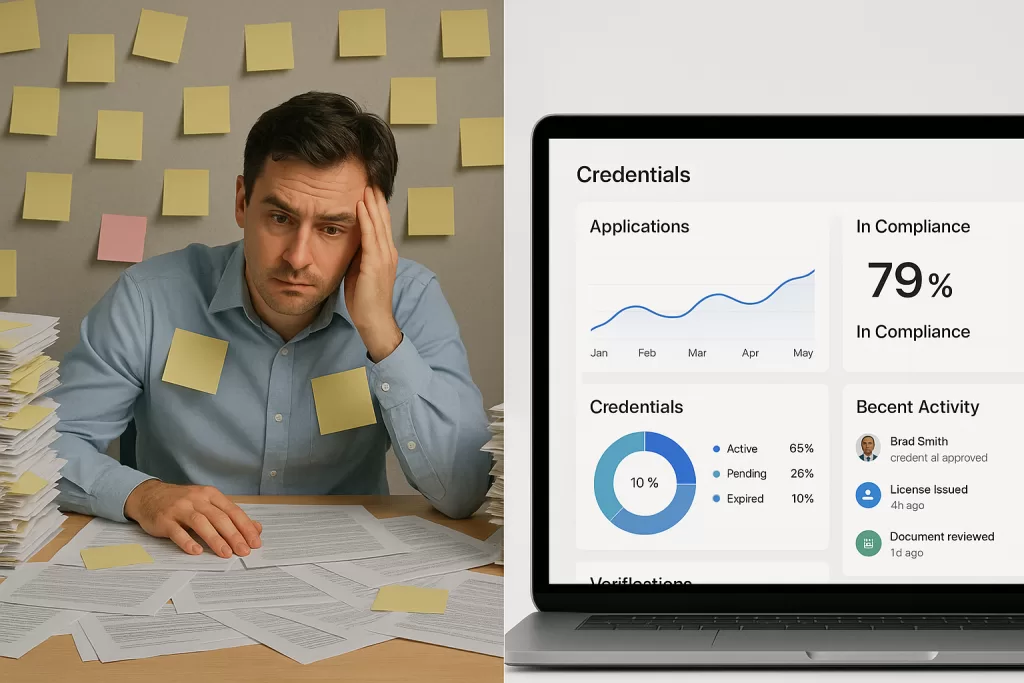
Let’s be blunt—manual credentialing won’t meet the NCQA 2025 credentialing requirements. Spreadsheets and email threads may have worked before, but under the new rules, they leave too much room for error.
Manual credentialing lacks the automation and audit trails required for full credentialing process compliance in 2025.
Without automation, you can’t reliably hit the 90-day window. You also won’t have built-in exclusion checks or audit-ready tracking. If an issue pops up, you may not find out until a claim is denied or a payer demands proof.
That puts your contracts—and your revenue—at risk.
Upgrading your software isn’t just about convenience. It’s a protective measure. It ensures your team isn’t scrambling last minute, and that you’re meeting standards without the stress.
Check out the NCQA Official 2025 Credentialing Standards for further guidance on credentialing standards.
What Are the Top Credentialing Software Tools for 2025?
Now that you understand what the NCQA 2025 credentialing requirements actually involve, it’s time to explore tools that help you stay compliant. The right software can make this transition smooth—or painfully difficult. It all depends on what you choose.
You need a healthcare credentialing platform that handles automation, real-time tracking, audit reports, and maybe even saves your staff a few headaches along the way.
These platforms represent the top credentialing software for 2025, offering automation, real-time alerts, and audit support built for NCQA readiness.
Let’s break down five software options worth checking out.
How Verisys Supports NCQA 2025 Credentialing Requirements
Verisys is a front-runner when it comes to compliance. It’s built to match the NCQA 2025 credentialing requirements from the ground up.
Its biggest strength? Automated primary source verification across all U.S. state licenses and board certifications. You no longer have to log in to multiple state boards or track expirations manually.
Verisys also provides real-time monitoring of license expirations and exclusions from OIG or other sanction lists. If something changes with a provider’s license, you’ll know about it immediately.
Bonus: they claim to deliver 40% more actionable data than the competition. If you’re a growing practice or part of a larger group, this level of visibility can make a huge difference.
Is CredentialStream a Flexible Option for NCQA 2025?
CredentialStream by HealthStream is ideal for practices that need both structure and flexibility. It automates PSV, supports real-time monitoring, and includes secure credentialing data management.
Where it shines is in workflow customization. You can build credentialing steps around your internal processes while still meeting NCQA’s updated rules.
It also includes built-in education modules, which are helpful if your credentialing team needs quick training. The system is audit-ready, and the layout is simple enough that even new users can pick it up quickly.
If you need a well-rounded system that can grow with you, this one’s worth a look.
How Medallion Speeds Up NCQA-Compliant Credentialing
Medallion focuses on speed—and for some practices, that’s exactly what’s needed.
It’s an NCQA-certified CVO, so the compliance part is already handled. What makes it stand out is how quickly it can create committee-ready credentialing packets—sometimes in just three days.
For organizations dealing with regular hiring, expanding into new states, or needing faster onboarding, this speed is a game-changer.
The platform also supports continuous license checks, automated exclusion screening, and simplified documentation. If you’re dealing with high-volume credentialing, Medallion can help you stay efficient and compliant without burning out your team.
Is MedTrainer a Good Fit for Small Credentialing Teams?
Not every practice needs a giant software solution. MedTrainer is designed for smaller groups or offices with fewer admin resources.
It still meets NCQA 2025 credentialing requirements, offering automated PSV, exclusion screening, and license renewal alerts. Its user-friendly interface and positive customer reviews set it apart from more complex systems.
If you’re a solo provider or part of a small group, MedTrainer offers just enough automation to keep you compliant—without overwhelming your staff.
It’s a great entry-level solution that still gets the job done.
What Makes SYMed a Reliable Credentialing Tool?
SYMed is another solid option—especially if you’re looking for something well-established and cloud-based.
It includes automated form completion, CAQH import tools, and detailed audit trails. These features make it easy to track what’s been done and prove compliance during reviews.
OneApp Pro may not be as sleek or fast-moving as some newer tools, but it’s reliable, widely used, and integrates well with other systems.
If your practice already relies on CAQH or needs a platform that just works without a steep learning curve, this one’s worth considering.
Each of these tools has a different strength—whether it’s automation, speed, customization, or simplicity. What they all have in common? They’re built to support the new rules. Choosing the right one depends on your volume, team size, and how quickly you need to get up to speed.
Is Your Credentialing Process Ready for NCQA 2025?
Before you dive into demos or buy a new system, pause and ask:
Do you really know how credentialing is done in your office right now?
If it’s handled in-house, there’s a good chance someone is still doing it manually—with spreadsheets, sticky notes, or outdated tools. It might seem fine, but NCQA 2025 credentialing requirements introduce tighter rules and faster timelines that manual processes simply can’t keep up with.
For foundational guidance, you can also review our best practices for credentialing and contracting to ensure your overall workflow supports NCQA compliance.
The first step is to do a walkthrough. Sit down with your credentialing lead and look at a recent provider file. Ask:
- How do we track expiration dates?
- Where are verifications stored?
- Can we pull audit logs showing who did what—and when?
If the answers involve digging through emails or switching between seven tabs, it’s time to update your system.
If you’re still relying on manual workflows, now is the time to explore NCQA compliance software that automates the hard parts—before audits begin
How to Match Credentialing Software to Your Practice Size
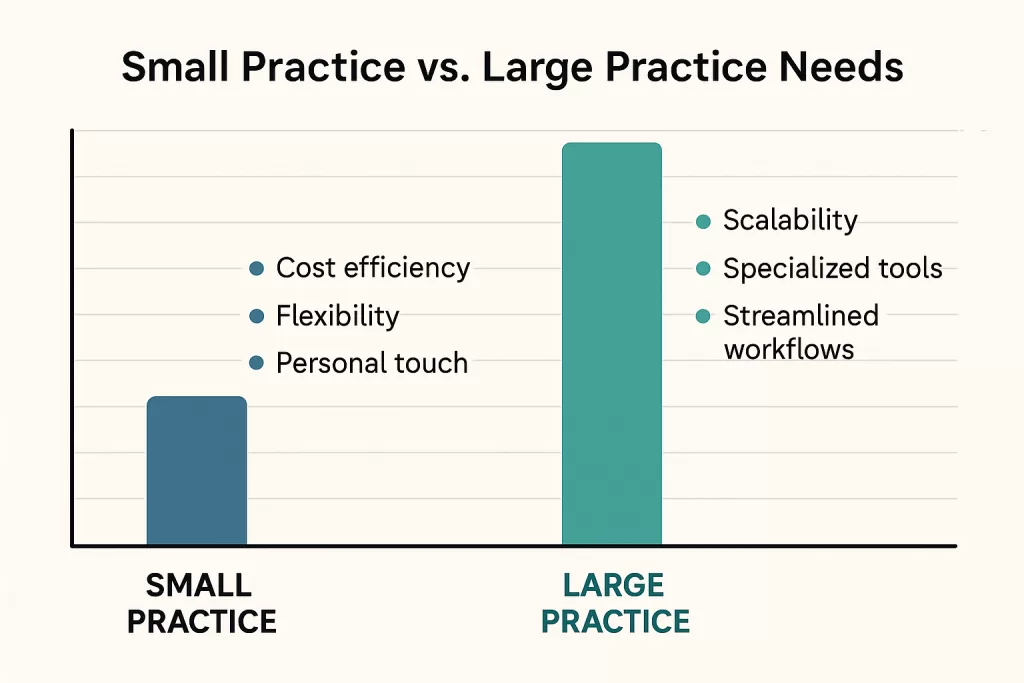
Not every practice needs an enterprise-level platform. The right tool for you depends on how many providers you have and how complex your credentialing needs are.
Here’s a simple breakdown:
| Factor | Low Complexity | High Complexity |
|---|---|---|
| Number of Providers | 1–5 | 20+ across specialties |
| Number of Payers | Under 10 | 15+ with carve-outs |
| Credentialing Staff | 1 part-timer or admin | Dedicated credentialing team |
| Current Process | Mostly manual | Hybrid or automated |
| Growth Plans | Stable or slow growth | Expanding to new payers or locations |
If you’re low complexity, MedTrainer or SYMed OneApp Pro could be perfect. They’re simpler to use and budget-friendly. For high complexity? Go with tools like Verisys, Medallion, or CredentialStream that offer stronger automation and monitoring.
What Questions Should You Ask in a Credentialing Software Demo?

This is where a lot of people get distracted. Flashy dashboards look great—but you need to stay focused on NCQA 2025 credentialing requirements during the demo.
Ask the right questions:
Does the software support 90-day verification cycles without workarounds?
It should be built for this from the start—not patched in later.
Are alerts real-time for license expirations and exclusions?
Anything less is a risk.
Can we track all user actions?
You need searchable audit trails to show what was done, when, and by whom.
Are user roles clearly separated?
Front desk staff shouldn’t have the same access as your compliance lead.
Does it connect with CAQH, your EMR, or payer portals?
Fewer systems = fewer errors.
Ask vendors to demonstrate how their platform functions as an audit-ready credentialing solution—with quick report generation and clear activity logs
Ask for a sample test run using real provider data. Watch how long it takes to verify a license, generate a report, or run a compliance check. If it’s slow or confusing, your staff won’t use it.
How to Train Your Staff for New Credentialing Software

Even the best software won’t help if your team doesn’t use it.
Start small: assign one or two staff members to test the system with a few real records. Let them flag any problems early. This also gives you a better sense of how long full rollout and training might take.
Pay attention to how your staff responds. Are they comfortable? Are they stuck? A clunky system might cause delays—or worse, missed tasks. That’s a problem under NCQA’s stricter rules.
In some cases, you may need to reconsider who handles credentialing. That’s not an easy decision, but it’s a necessary one. Credentialing today isn’t just paperwork—it’s compliance, tracking, and security.
The right software makes it easier. But you still need a team that’s ready to work with it.
When Is the NCQA 2025 Credentialing Deadline—and Are You Ready?
July 1, 2025 is not a soft deadline—it’s real and enforceable.
If you haven’t fully reviewed your credentialing process or picked a software platform, time is tight. The NCQA 2025 credentialing requirements go into effect that day. There’s no grace period. Audits could begin soon after, and payers might start requiring documentation that shows you’re meeting the new standards.
That means you need to act now. Your team should have at least a few weeks with the new software before the deadline. This gives them time to test real provider files, learn how to run reports, and build updated workflows. Don’t wait until the last week to scramble into action.
Even if your credentialing lead is experienced, this is a new game. You’ll need proof of real-time checks, secure data handling, and audit trails that meet NCQA’s updated expectations.
What Will Credentialing Software Cost You in 2025?
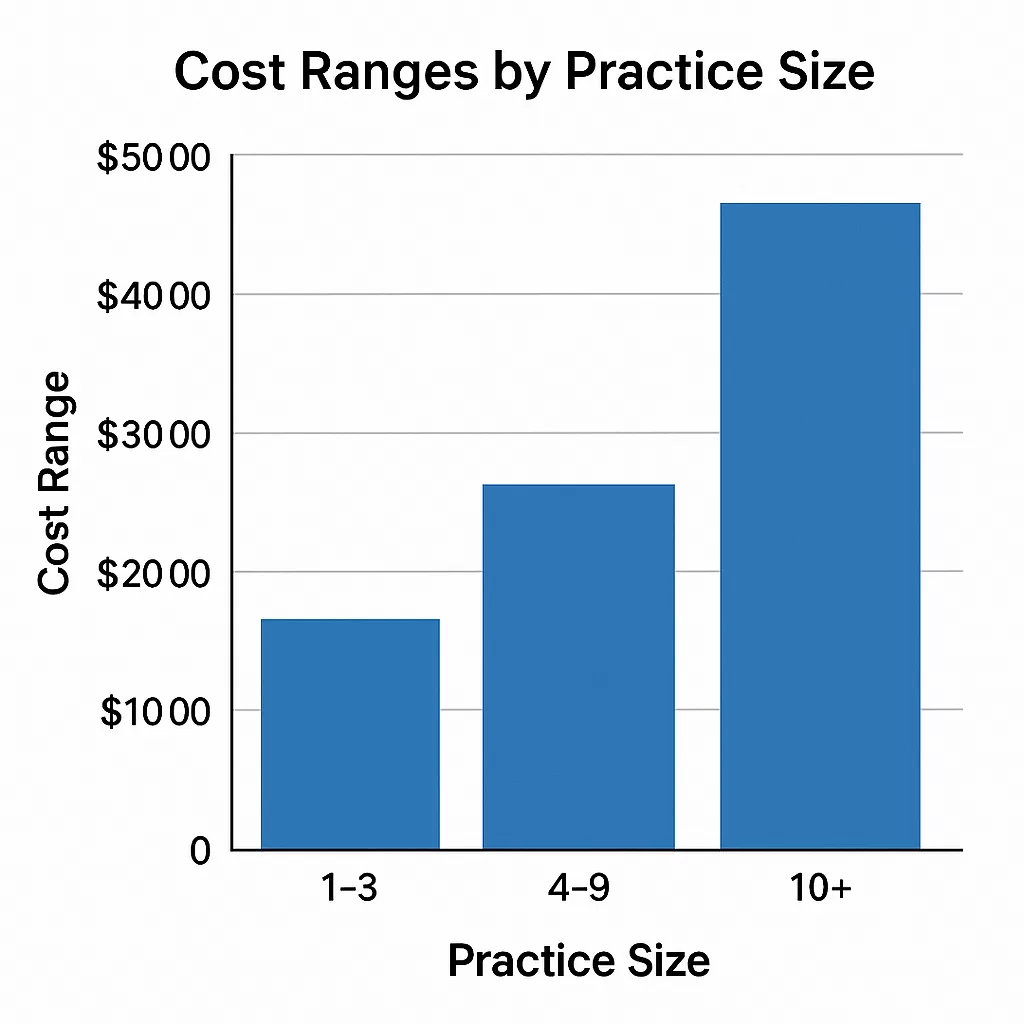
Let’s talk numbers.
Most practices didn’t budget for credentialing software last year. But now that NCQA 2025 credentialing requirements are official, you’ll need to factor in that cost—immediately.
How much you’ll pay depends on your size and setup. Here’s a quick snapshot:
| Practice Size | Monthly Cost Estimate | Recommended Platform Tier |
|---|---|---|
| 1–5 providers | $150–$400 | MedTrainer, SYMed |
| 6–15 providers | $400–$900 | Medallion, CredentialStream |
| 20+ or multisite | $1,000+ | Verisys, HealthStream |
Yes, this is an added cost. But skipping it can be even more expensive. Delays in credentialing could lead to claim holds or denied payments. You could even lose payer contracts if you’re out of compliance.
Also, don’t forget the time savings. A platform that saves 10 hours a week could free up your team for better work—and reduce burnout.
What’s Your Final NCQA 2025 Credentialing Readiness Checklist?

Here’s your streamlined checklist to stay ahead of the deadline. If you’re missing more than one or two of these, it’s time to act fast.
✅ You know your current process
You’ve reviewed how your team handles verifications, licenses, and monitoring—step by step.
✅ You’ve picked (or tested) a new software platform
It supports PSV, audit trails, real-time alerts, and secure access.
✅ It connects to CAQH, your EMR, or payer systems
Less double-entry, fewer errors.
✅ You’ve confirmed you can track and log user actions
You can run audit reports in minutes—not hours.
✅ Your staff is already training on the new system
Not just watching tutorials—they’re using it with real data.
✅ Your internal policies reflect the 2025 requirements
Everything matches the NCQA’s current expectations.
✅ You’ve planned for downtime or tech failures
If the system fails, your team knows what to do next.
These steps are small but powerful. Together, they create a structure that meets the new rules and protects your revenue.
Final Takeaway: Modernize Credentialing or Risk Falling Behind
This change isn’t just about rules—it’s about how healthcare is evolving.
The NCQA 2025 credentialing requirements are pushing practices to modernize: faster verifications, stronger data protection, better accountability. If you resist the shift, you risk being left behind.
But if you take the time now to adopt a system that works, you’ll benefit in the long run. Better data. Better oversight. Fewer headaches when payers ask for proof of compliance.
Credentialing isn’t a back-office task anymore—it’s a critical business system. And now’s the time to treat it like one.